
In this article
- What Retail Taxonomy Means for Luggage
- Type First, Attribute Second
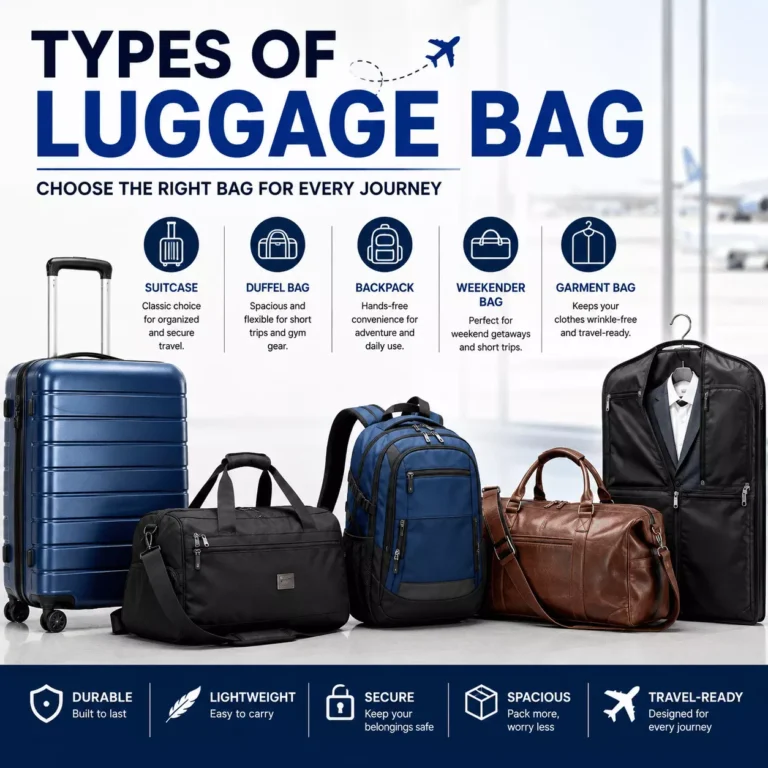
- The Main Luggage Bag Categories
- Suitcases and Rolling Luggage
- Duffel Bags and Weekenders
- Backpacks and Travel Packs
- Garment Bags and Specialty Pieces
- Build the Category Hierarchy
- Key Attributes to Attach to Each Bag
- Naming Rules and Common Mistakes
- Match Marketplace Taxonomies
- Frequently Asked Questions
- What is the best way to categorise luggage in an online store?
- Should carry-on and checked bags be separate categories?
- Is a duffel bag considered luggage?
- Should a brand be a category or an attribute?
- How many levels should a luggage taxonomy have?
- Where do wheeled duffels and wheeled backpacks go?
- Do I need to match Amazon and Google categories?
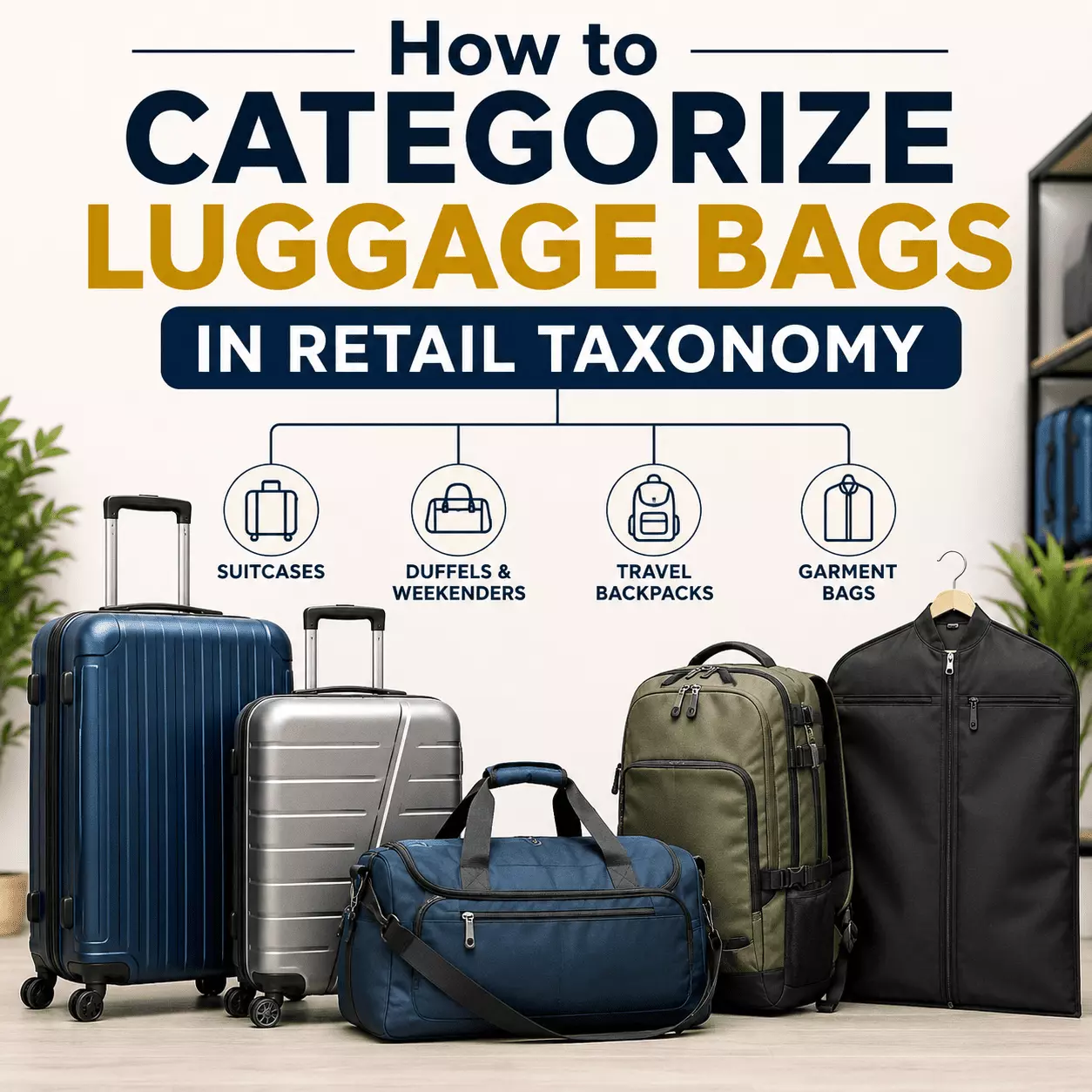
Group your luggage into clear buckets like suitcases, duffels, and backpacks first. After that, tag each item with details like size, material, and wheels.
This keeps your catalogue clean and easy to shop. It also keeps you ready for Amazon and Google feeds. Below, I walk you through the exact structure that works. You get category trees, attribute lists, naming rules, and common traps to skip.
| Topic | Key Takeaway |
|---|---|
| Core rule | The category shows what it is; attributes hold the details. |
| Sample path | Bags & Luggage > Luggage > Suitcases > Carry-On |
| Main groups | Suitcases, Duffels & Weekenders, Travel Backpacks, Garment Bags |
| Depth | Use 3 to 5 levels, broad to narrow. |
| Top attributes | Size, capacity, shell, wheels, material, carry-on fit |
| Naming | Plural nouns, title case, ampersand for compounds. |
| Never a category | Brand, material, color, or “Other”. |
| Marketplaces | Map to the Amazon browse tree and the Google Product Category. |
| SKUs per node | Aim for about ten or more. |
What Retail Taxonomy Means for Luggage
Retail taxonomy is just how you organize products into groups. Think of it as a map for your store. Shoppers use it to find bags fast. Your team uses it to manage stock and reports.
A good product taxonomy has two parts. One part is the category tree. The other part is the set of details you attach to each bag. Get both right, and shoppers stop bouncing. They find the bag, they filter, they buy.
Type First, Attribute Second
Here is the rule every strong retailer follows. The category tells you what the item is. The attribute tells you the extra stuff about it. A bag’s spot in the tree should never depend on its color or brand.
So a hard-shell carry-on lives under Suitcases. Its shell type becomes an attribute, not a folder. A sample path looks like this: Bags & Luggage > Luggage > Suitcases > Carry-On. Clean and simple, every time.
The Main Luggage Bag Categories
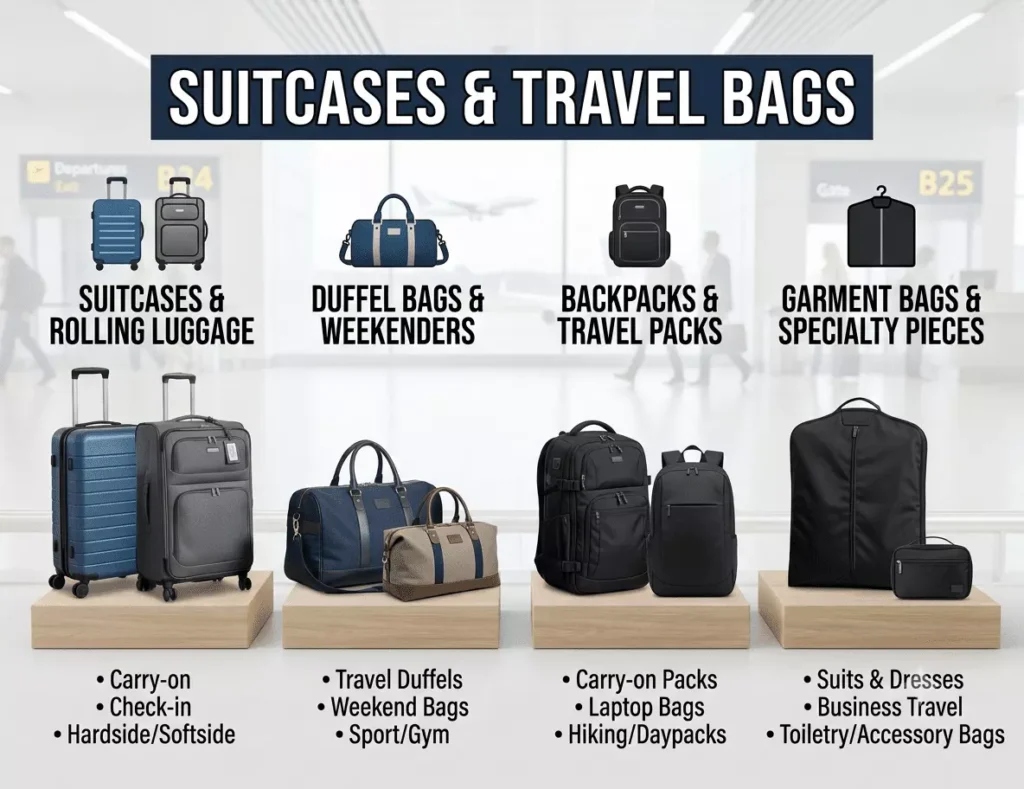
Most travel catalogues are split into a handful of core groups. I cover each one below. Cover these, and you match what top-ranking stores already sell.
Suitcases and Rolling Luggage
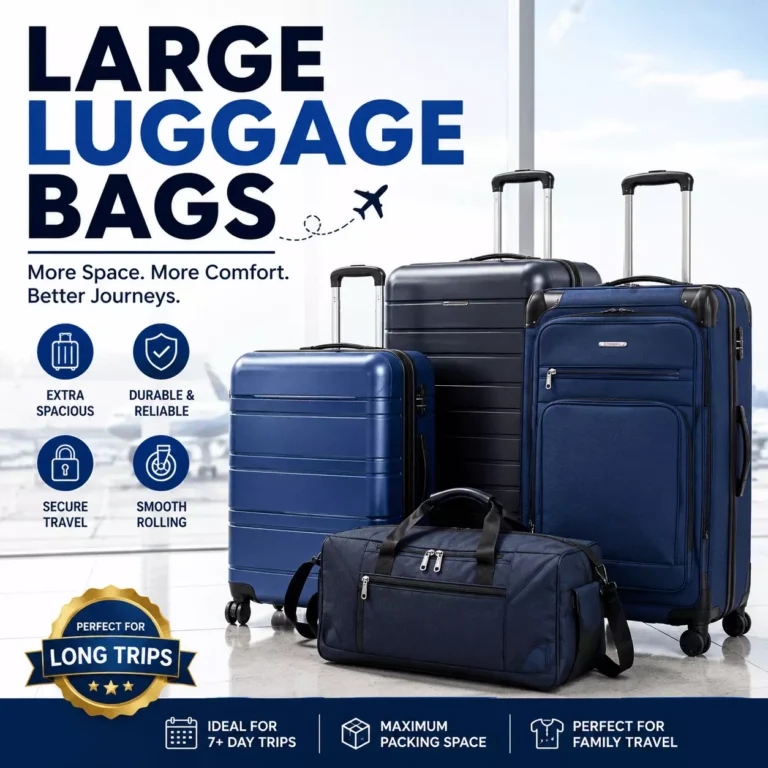
This is the biggest bucket for most stores. It holds carry-ons and larger checked bags. Split them by cabin size versus checked size. Wheeled luggage sits here too, since spinners and rollers are really suitcases with wheels.
Keep the split by use, not by shell. A shopper hunting for carry-on luggage wants the size that clears the overhead bin. Tag hard-shell and soft-shell as attributes underneath.
Duffel Bags and Weekenders
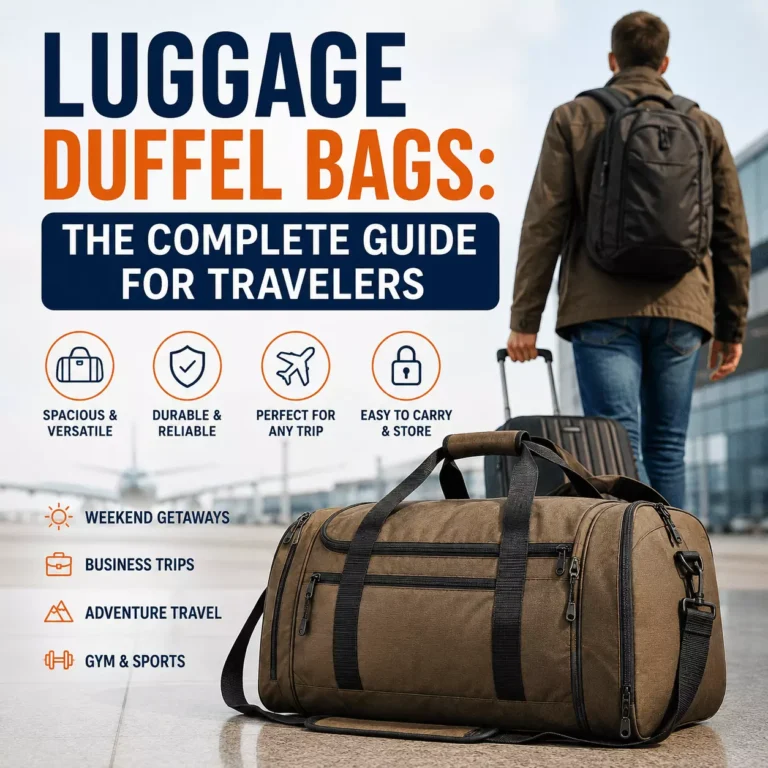
Duffels are soft, roomy, and easy to carry. Weekenders are the stylish cousins of short trips. Both fit under one parent group. Add wheeled duffels as a child, so shoppers can find the rolling kind.
These bags sell well as gym and travel picks. Keep the label plural and plain. “Duffels & Weekenders” reads better than a long, messy name.
Backpacks and Travel Packs
Travel backpacks are growing fast in real order books. They open flat like a suitcase but ride on your back. Group them apart from school or laptop bags if you carry both. That helps a traveler skip the wrong aisle.
Wheeled backpacks blend a pack with roller wheels. Place them here and flag the wheels as a detail. Shoppers who want hands-free carry will thank you.
Garment Bags and Specialty Pieces
Garment bags keep suits and dresses wrinkle-free. They earn their own slot because the shape is unique. Toss briefcases, cosmetic cases, and other odd pieces into a speciality group. Just avoid a lazy “Other” folder that helps no one.
Build the Category Hierarchy
Aim for three to five levels, broad down to narrow. Start wide, then get specific. A shallow tree with one or two levels crams, unlike bags, together. A tree that runs too deep buries products nobody finds.
Here is a clean sample tree for a luggage store:
- Bags & Luggage
- Luggage
- Suitcases (Carry-On, Checked)
- Duffels & Weekenders
- Travel Backpacks
- Garment Bags
- Luggage
Keep each node stocked with enough items. A page with two lonely bags looks broken. Around ten SKUs per node is a safe floor.
Key Attributes to Attach to Each Bag
Attributes power your filters. They let a shopper narrow a big list in seconds. These are the details that live on the bag, not in the tree. Faceted navigation runs on them, so get them right.
Here are the ones that matter most for luggage:
| Attribute | Example Values |
| Size class | Carry-on, Checked medium, Checked large |
| Capacity | 30L, 45L, 100L |
| Shell type | Hard-shell, Soft-side |
| Wheels | 2-wheel, 4-wheel spinner, none |
| Material | Polycarbonate, Nylon, Canvas, Leather |
| Carry-on compliant | Yes/No |
| Color | Black, Navy, Red |
| Brand | Any brand name |
Notice the brand sits as an attribute here. That is on purpose. I will explain why next.
Naming Rules and Common Mistakes
Small naming habits keep a catalogue readable. Use plural nouns like “suitcases”, never “suitcase”. Use title case across every level. Join two ideas with an ampersand, so “Duffels & Weekenders” beats a slash.
Now the traps. Never turn a brand into a category, since “Samsonite > Suitcases” breaks the day you add a second brand. Never make material a folder, or you get messy twins like “Nylon Duffels” and “Canvas Duffels”. Skip the junk “Other” bucket, too.
Here is a quick before and after. A waterproof rolling duffel could confuse you at first. It is not “waterproof bags”. It goes under Duffels & Weekenders, with ‘waterproof’ and ‘wheels’ as attributes. One clear home, extra details attached.
Match Marketplace Taxonomies
Your store is not the only place your bags live. Amazon and Google want their own structure. Map your tree to theirs before you upload. Skip this, and your listings get rejected.
Amazon files luggage under its clothing browse tree, with paths like Luggage & Bags > Luggage > Travel Duffels. Google has its own Google product category codes for luggage. Line your categories up with both. Correct mapping means fewer disapprovals and better reach.
A PIM system helps a lot once your catalogue grows. It stores one clean source and pushes the right format to each channel. You edit once, and every marketplace stays in sync.
Frequently Asked Questions
What is the best way to categorise luggage in an online store?
Sort bags by type first, like suitcases and duffels. Then add details such as size, wheels, and material as attributes. This keeps browsing clean and filters useful.
Should carry-on and checked bags be separate categories?
Yes, split them by size since shoppers hunt by trip length. Carry-on fits the overhead bin; checked goes in the hold. Both can sit as children under suitcases.
Is a duffel bag considered luggage?
Yes, luggage is the broad group for all travel carriers. A suitcase is one type, and a duffel is another. Every suitcase is luggage, but not every bag is a suitcase.
Should a brand be a category or an attribute?
Always an attribute, never a category. A brand folder breaks the moment you add a second brand. Keep the brand as a filter so shoppers can still sort by it.
How many levels should a luggage taxonomy have?
Three to five levels work for most stores. Fewer crannies, unlike bags; more buried products too deep. Balance depth with how many bags you actually sell.
Where do wheeled duffels and wheeled backpacks go?
Place them under their base type, so a wheeled duffel sits with duffels. Then flag the wheels as an attribute. Shoppers filter for the rolling kind when they want it.
Do I need to match Amazon and Google categories?
Yes, if you sell on those channels. Both use fixed taxonomies and reject bad matches. Map your tree to theirs to avoid disapprovals and lost views.

Travel Essentials is an independent publication reviewing luggage, packing gear, and travel tech, helping you pack lighter and travel smarter since 2019.
See all posts by Travel Essentials →- Luggage & Bags
- Packing Organisation & Cubes
- Travel Tech & Electronics
- Toiletries & Travel-Size
- Travel Comfort
- Travel Safety & Security
- Packing Lists by Trip Type
- Packing Lists by Destination
- Travel Documents & Money
- Travel Clothing & Footwear
- Health, Hygiene & First-Aid
- Airport, Airline & Rules
- Essentials Guide
- Essentials for Women, Men & Family